At-a-glance limits
Large gauges and bars make current and weekly capacity readable from across the room.
USAGE INTELLIGENCE, KEPT LOCAL
See remaining LLM usage and official incidents. Keep task observations and linked work notes in separate compact windows.
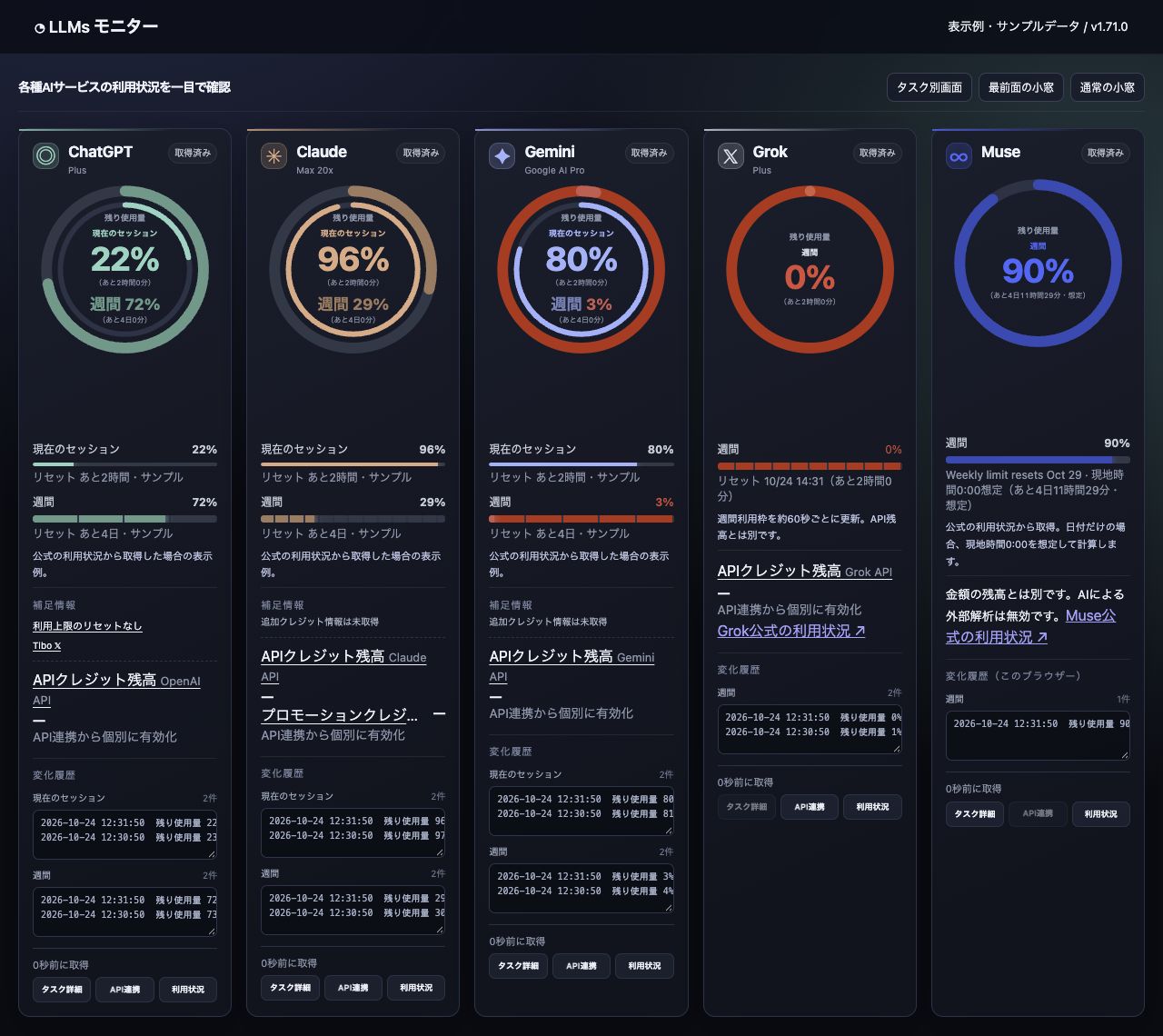
One view for the limits that shape your AI workflow.
DESIGNED FOR FOCUS
Large gauges and bars make current and weekly capacity readable from across the room.
Reset countdowns, entitlement deadlines and usage advice help you choose the right moment.
Track evidenced response states, prioritize detected pins and save linked thread notes, next actions and checklists.
Fullscreen, compact popup, floating panel, light and dark themes, with sound controls.
Provider status summaries sit beside usage data, with recovery and incident alerts.
A consistent interface in English and Japanese, selected automatically or on demand.
Free Tibo reading is optional and needs an open public page. Server delivery remains unconfigured. Task/pin coverage is partial and idle is not completion.
PRIVACY BY ARCHITECTURE
The monitor reads supported values from official sessions through the extension. It does not ask for provider passwords, send prompts, purchase credits, change plans or exercise reset entitlements.
Read the privacy policy →ONE MONITOR, MANY WAYS TO VIEW
Use the full dashboard for planning or keep a compact panel nearby while you work.
Download product flyer ↓See your available usage before deciding where the next task belongs.
Open monitor